Microsoft Dynamics
ERP information, inventory records, production activity, warehouse processes, and transaction requirements.

ScanWorkX is a suite of mobile warehouse applications for organizations using Microsoft Dynamics 365 Finance & Operations, Supply Chain Management, AX 2009, or AX 2012. It brings barcode-driven transactions to the devices used where inventory, production, and distribution work takes place.
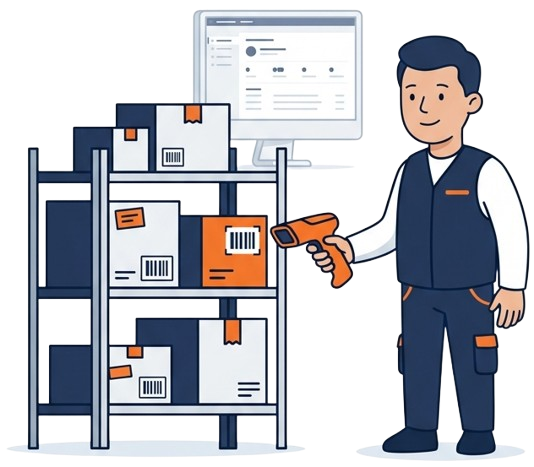
ScanWorkX operates between Microsoft Dynamics and the mobile devices, barcode tools, and warehouse users responsible for carrying out inventory and operational transactions.
ERP information, inventory records, production activity, warehouse processes, and transaction requirements.
Mobile applications, configurable workflows, transaction validation, barcode activity, and device-based execution.
Handheld computers, barcode scanners, tablets, label printers, wireless networks, and warehouse users.

A ScanWorkX deployment may include Microsoft Dynamics, mobile devices, network infrastructure, barcode equipment, ScanWorkX services, and industrial label-printing systems. The exact environment depends on the operational and technical requirements of each implementation.
ScanWorkX supports barcode-driven processes across inbound, inventory, production, fulfillment, and shipping operations. Users can record activity near the physical work rather than relying entirely on later desktop entry.
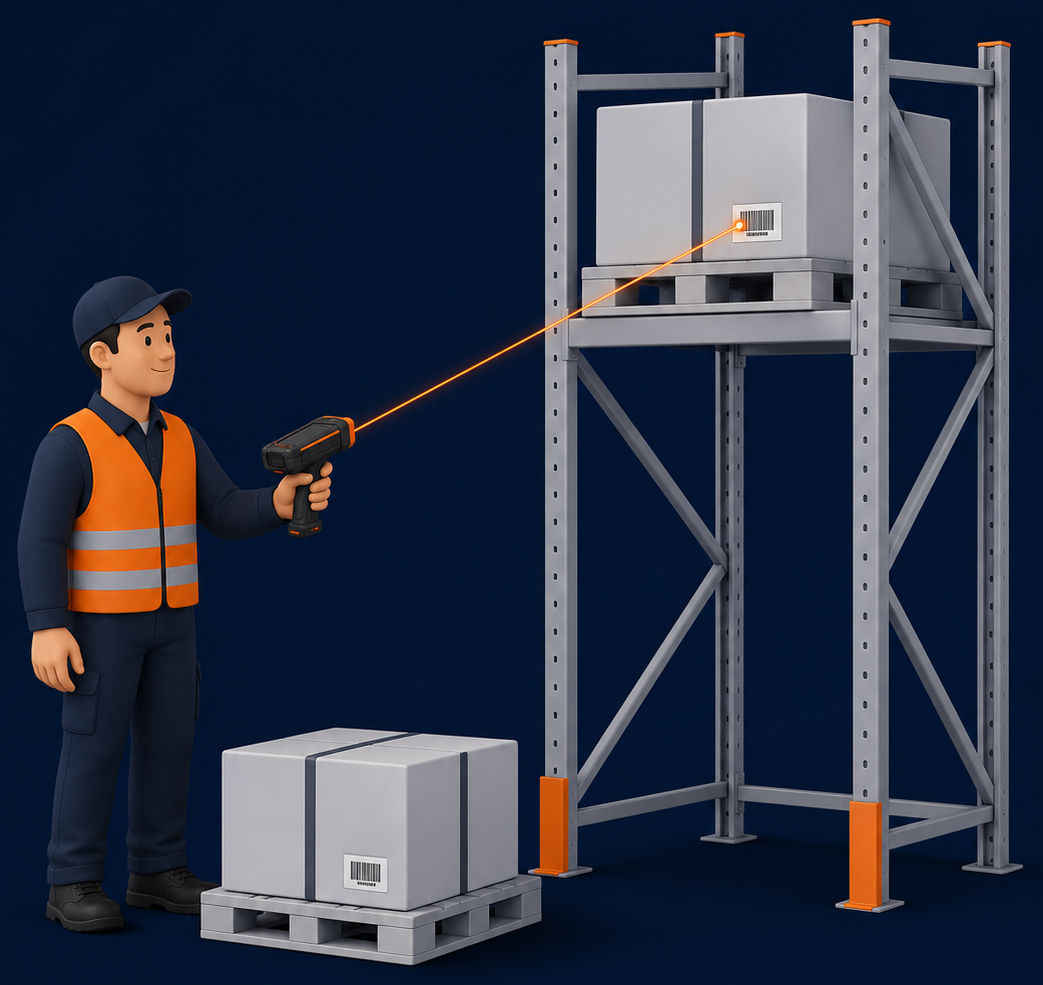
ScanWorkX can operate as part of an environment that includes Microsoft Dynamics, ScanWorkX application services, mobile clients, network infrastructure, barcode equipment, and label-printing systems.
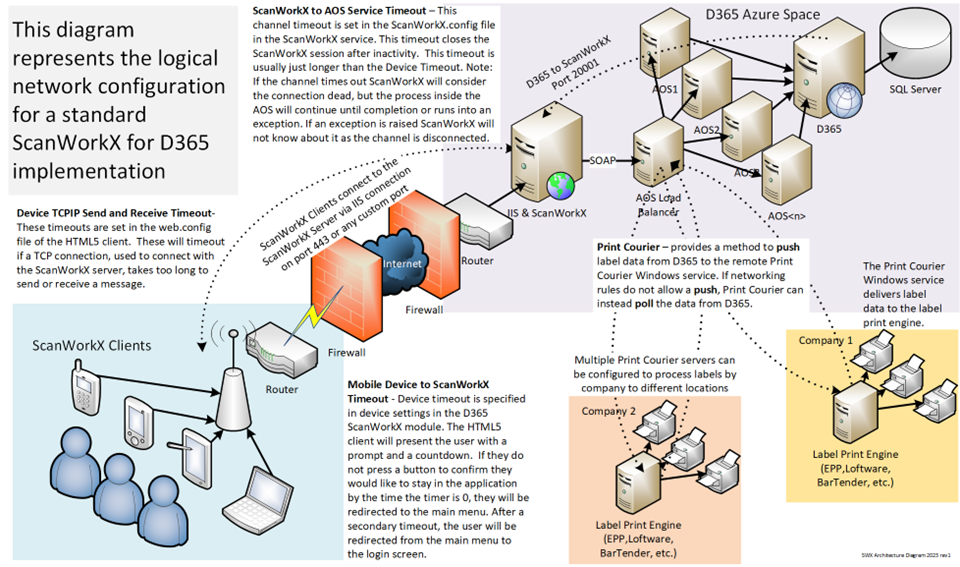
The applicable D365 or AX environment provides the ERP processes and transaction requirements.
Devices, wireless coverage, network access, and security must support warehouse users at their work locations.
Scanning hardware and label-printing technology can be included according to operational requirements.
Available workflow, field, validation, and application settings help align the mobile experience with the operation.
ScanWorkX supports customers and implementation partners as they coordinate Microsoft Dynamics workflows, mobile devices, barcode equipment, labeling technology, configuration, and deployment requirements.
The goal is to create a connected mobile environment that fits the applicable ERP processes and the way warehouse or manufacturing teams carry out their daily work.
Review the warehouse, inventory, manufacturing, and distribution activity that mobile users need to perform.
Coordinate Microsoft Dynamics, mobile devices, wireless access, barcode equipment, and printing requirements.
Use the available applications, fields, workflows, and validation options applicable to the operation.

Share the Dynamics version, warehouse processes, mobile devices, barcode equipment, and operational requirements involved in your project.



You’ve reached 5 questions. Please provide your contact information to continue.
Your contact information is stored with this Compass session so you can continue the chat. Privacy Policy