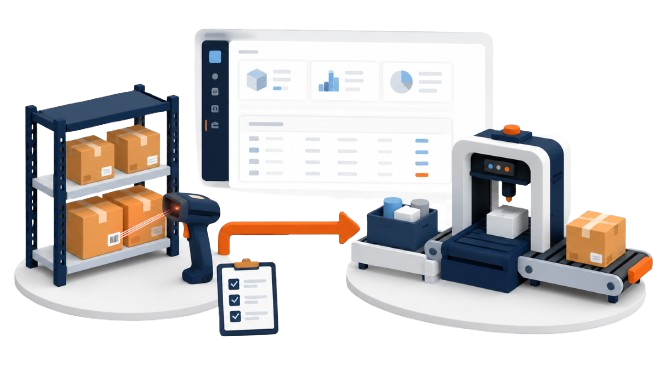
Microsoft Dynamics AX Warehouse Solutions
Extend Microsoft Dynamics AX 2009 and AX 2012 with mobile, barcode-driven warehouse workflows built for the point of activity.
ScanWorkX helps warehouse and production teams complete supported receiving, inventory, picking, shipping, production, and warehouse execution transactions using compatible mobile scanning devices.
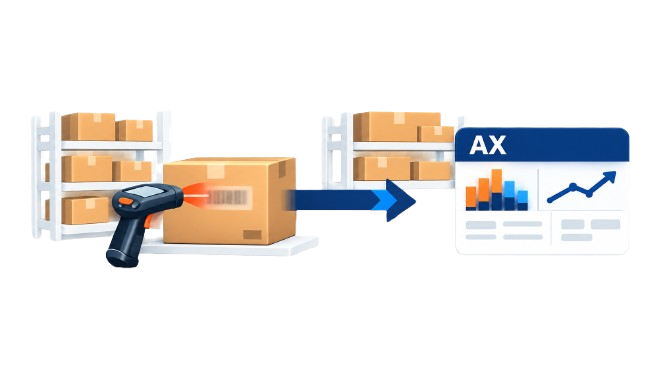
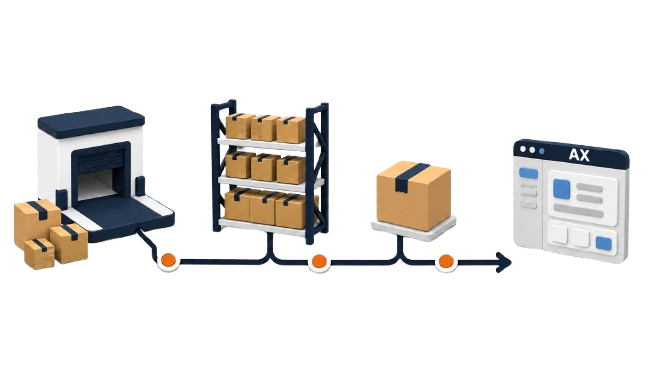
Support Warehouse Workflows Across the Inventory Lifecycle
ScanWorkX provides AX applications for specific warehouse processes, from receiving incoming materials through inventory control and outbound order processing.
Organizations can select applications that correspond with their AX version, warehouse configuration, and operating requirements.
Receiving and Arrival
Support inbound processes with applications including PO Arrival, PO Receipt, and Transfer Order Receive.
Inventory Management
Access supported inquiries, counts, adjustments, movement journals, transfers, and applicable pallet processes.
Picking and Shipping
Use applicable picking, packing, unpacking, shipment loading, staging, and shipping applications.
Extend AX Workflows Beyond Receiving and Shipping
ScanWorkX also provides applications for inventory control and production activity in supported Microsoft Dynamics AX environments.
These applications address operational tasks performed after inventory is received and before finished materials are ready for outbound processing.
Inventory Control
Supported applications vary by AX version and can include:
- Count, Directed Count, On Demand Count, Tag Count, and Tag Pre Count
- Inventory Adjustment, Movement Journal, Transfer, and Transfer Location
- Item Inquiry, Location Inquiry, Pallet Inquiry, and applicable pallet movement applications
Production Activity
Supported production applications can include:
- Production Pick and Production Pick Reversal
- Start Production, Route Card, Job Card, and BOM Journal
- Report Finished, Process Report Finished, and Production Adjustment