Manufacturing mobile execution for Dynamics 365
Connect your shop floor, warehouse, and Dynamics 365
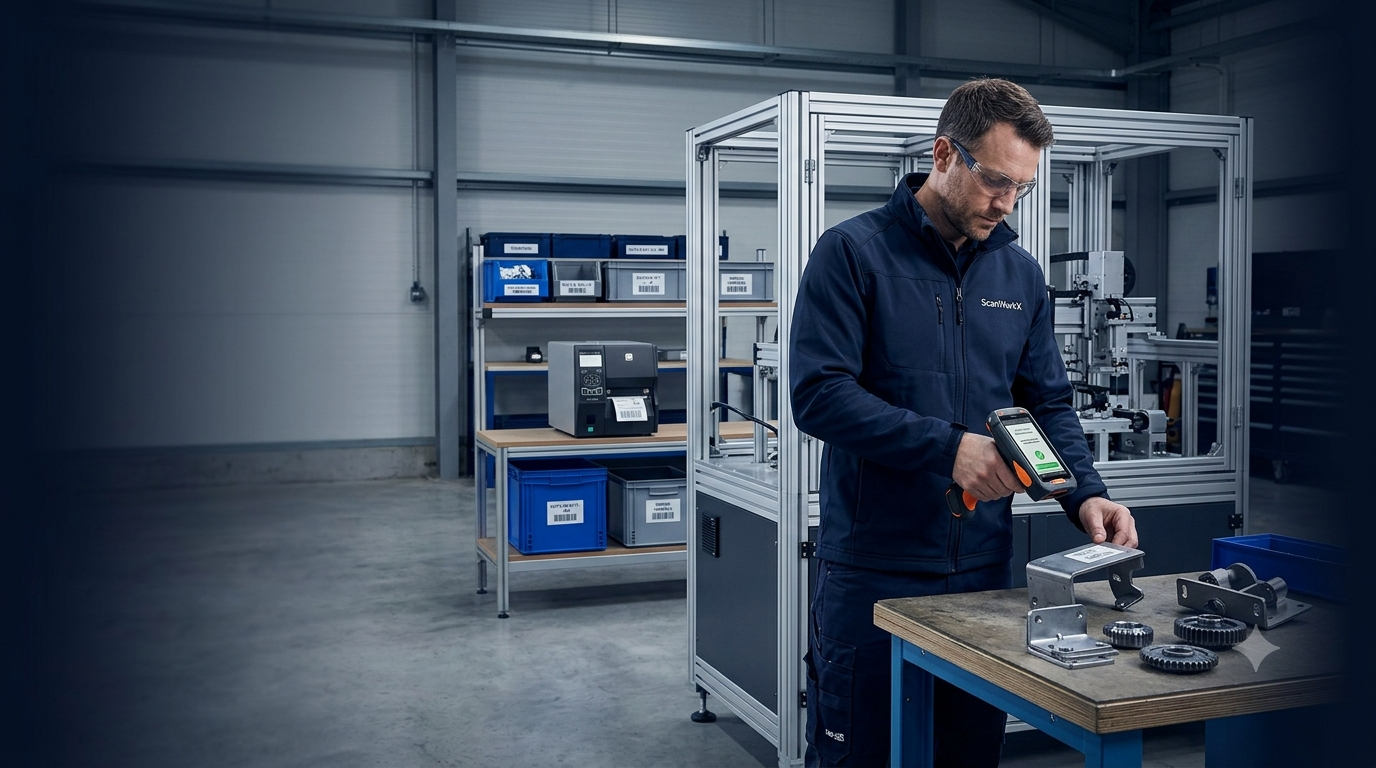
ScanWorkX extends Microsoft Dynamics 365 Finance and Operations to mobile devices used throughout production, inventory, warehouse, and shipping operations.
Guide employees through production picking, work-order staging and kitting, component issue and return, report-as-finished, receiving, transfers, cycle counting, shipping, traceability, and barcode label printing.
Validate
Update
Replace paper
Move pick lists, issue forms, count sheets, and delayed entries into guided mobile workflows.
Improve accuracy
Validate items, locations, quantities, work orders, serial numbers, and lot numbers before completion.
Increase productivity
Reduce workstation travel, duplicate entry, administrative handoffs, and transaction correction effort.
Improve visibility
Update D365 closer to the time work occurs so operating teams have more current information.
End-to-end manufacturing execution
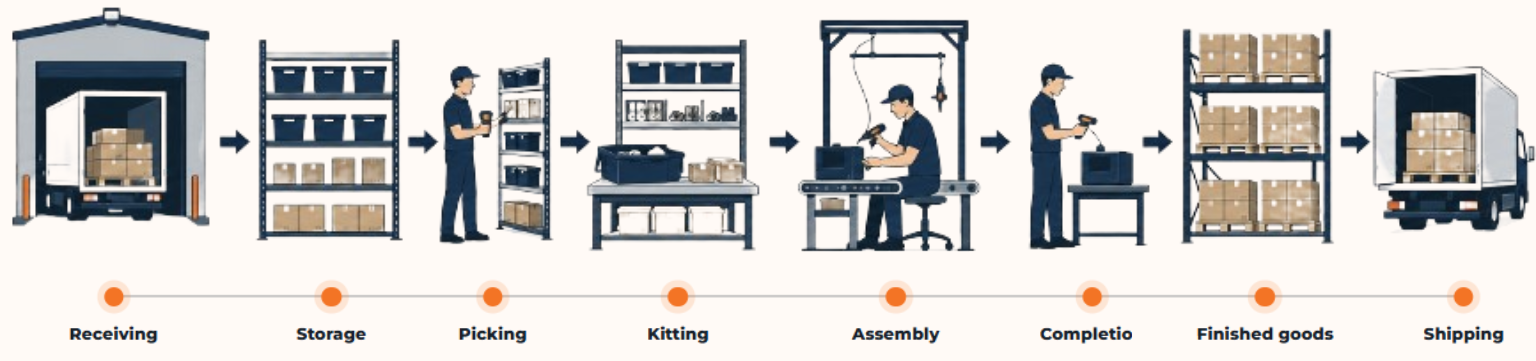
Support material flow from receiving through shipping
ScanWorkX guides the transactions that show what arrived, where it is stored, what moved to production, what was consumed, what was completed, and what was shipped.
Production material picking
Scan the source location, item, quantity, serial or lot information, and destination against the correct production requirement.
Work-order staging and kitting
Build and verify kits while recording material that is picked, staged, short, substituted, or returned.
Component issue and return
Record consumption and unused material against the related work order, source, destination, serial number, or lot number.
Report as finished
Capture completed quantity, inventory location, serial or lot information, and required production details where completion occurs.
Receiving and transfers
Validate purchased, transferred, returned, or production-related material and record movement between facilities and operating areas.
Cycle counting
Perform directed or unscheduled counts from a mobile device and submit results according to the organization’s review process.
Shipping verification
Confirm item, quantity, container, serial or lot number, order, load, and destination before material leaves the facility.
Inventory movement
Scan material as it moves between warehouses, staging locations, work centers, service areas, and production zones.
Serial and lot traceability
Capture traceability data during receipt, movement, production issue, completion, and shipment as part of the operational transaction.
Barcode label printing
Initiate component, product, container, pallet, location, or shipment labels from the workflow where identification is required.
ScanWorkX and Dynamics 365
Move transaction entry to the point of activity
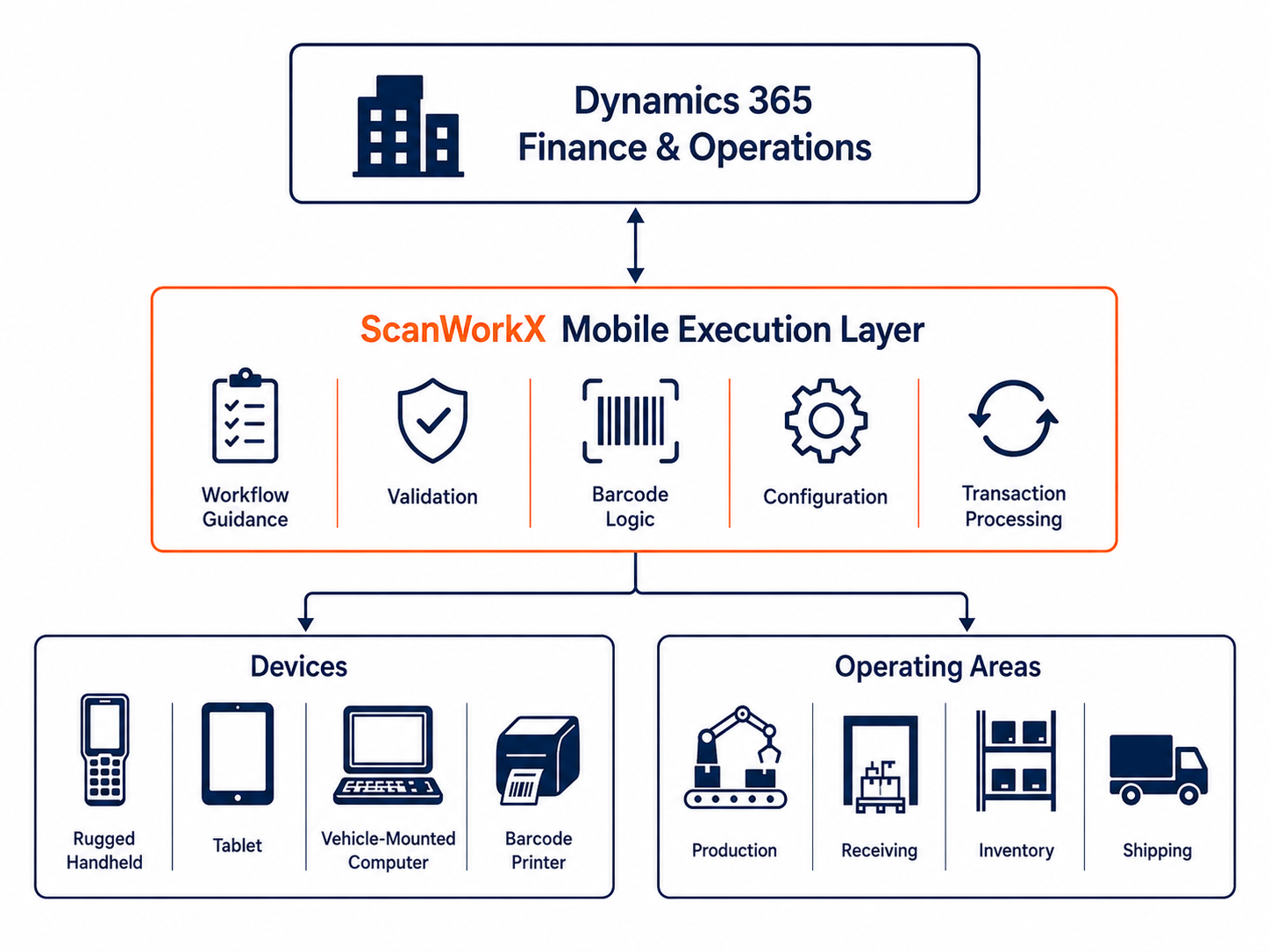
Dynamics 365 remains the system of record. ScanWorkX adds a configurable mobile execution layer for the production, inventory, warehouse, and shipping transactions employees perform throughout the facility.
Purpose-built mobile transactions
Present the fields, actions, and scan sequence needed for the task instead of giving every user the same generic screen.
Real-time validation
Check items, locations, quantities, work orders, production orders, serials, lots, license plates, and other required data before completion.
Configurable execution layer
Configure workflow guidance, barcode interpretation, defaults, transaction rules, messages, and label triggers around operating requirements.
Consistent platform for expansion
Use one mobile approach across production, receiving, inventory, counting, shipping, and related barcode processes.
Physical work and D365 entry are separated
- Printed packets, pick lists, count sheets, and issue forms move between teams.
- Part numbers, locations, quantities, serials, and lots are manually checked or handwritten.
- Completed documents wait for entry at another workstation.
- Errors may be found after material has moved or production has started.
- Label requests may require a separate process.
Transactions are captured where the work occurs
- Employees follow guided steps on handhelds, tablets, or vehicle-mounted computers.
- Barcodes identify transaction details and required context.
- Information is validated before submission.
- D365 is updated closer to the time of activity.
- Labels can be triggered from the operational workflow.
Adoption and phased growth
Turn a mobile pilot into a reliable operating process
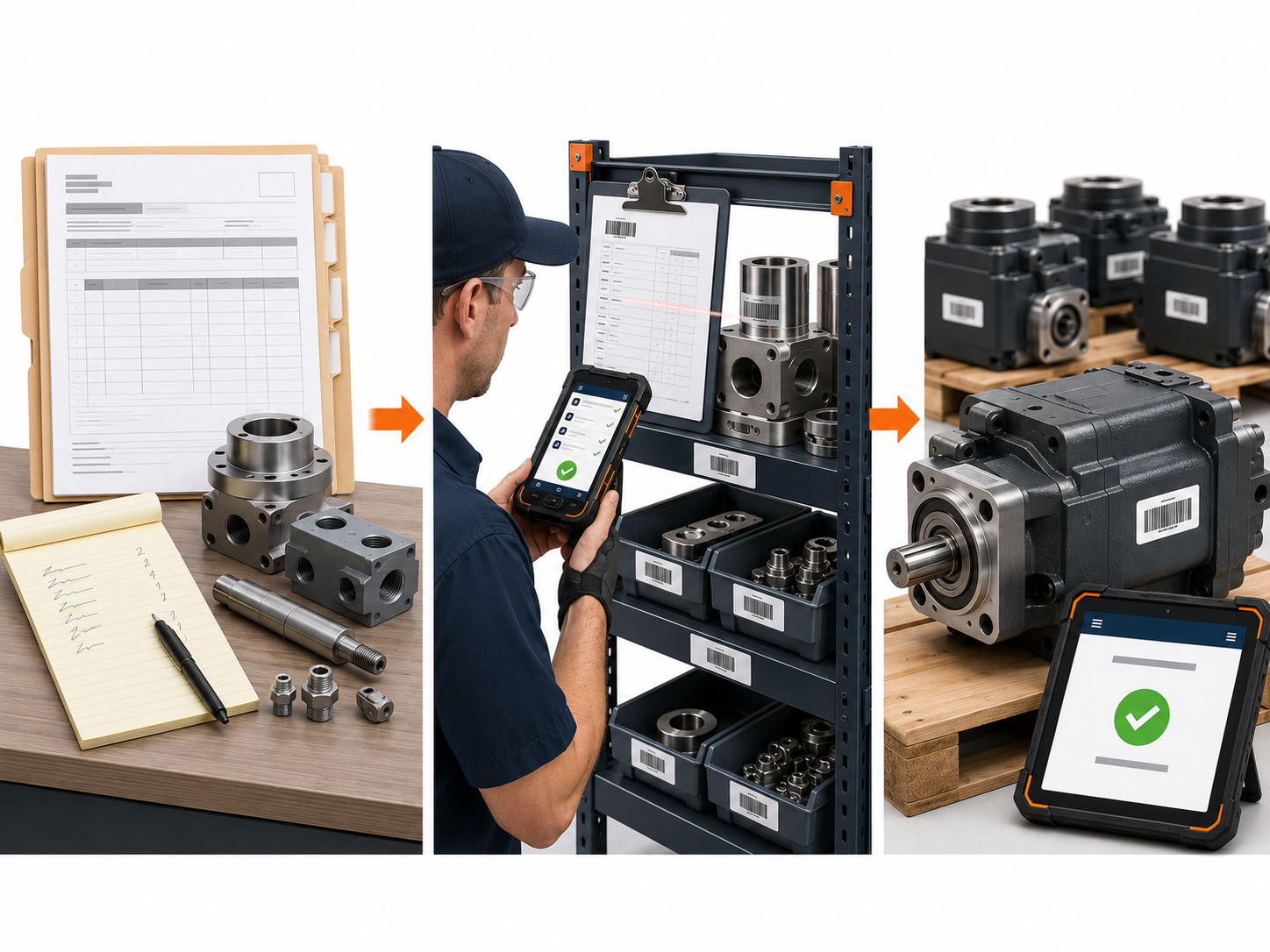
ScanWorkX helps manufacturers move from delayed paper transactions to guided mobile execution that employees can use consistently across production and warehouse operations.
Replace delayed paper entry
Move work-order, material, production, and label information from handwritten documents into guided mobile transactions.
Guide employees at the point of work
Scan work orders, items, locations, quantities, serials, lots, issues, returns, and completed production.
Expand after the process is stable
Use pilot results, user feedback, and validated workflows to support additional transactions, teams, and facilities.
Why manufacturers choose ScanWorkX
Support material movement, inventory, receiving, counting, shipping, traceability, and barcode printing.
Keep Dynamics 365 as the system of record while extending selected transactions to the point of activity.
Shape screens, scan sequences, validations, defaults, and transaction rules around operating requirements.
Combine configuration, testing, training, go-live assistance, stabilization, and phased expansion.