Label Design Standards for
D365 Warehouse Labels
This standard covers inventory label purpose, recommended data elements, barcode standards, and print engine requirements for labels printed during warehouse receiving and initial inventory handling in Microsoft Dynamics 365 Supply Chain Management (D365 SCM).
Download BarTender Label Templates and Functional Specification Documents
Looking for practical examples to support your warehouse label design standards? Visit the Print Envoy BarTender Label Template Library to download sample label templates, review barcode layouts, and compare Functional Specification Documents for item labels, warehouse location labels, serialized receiving labels, and receiving material labels.
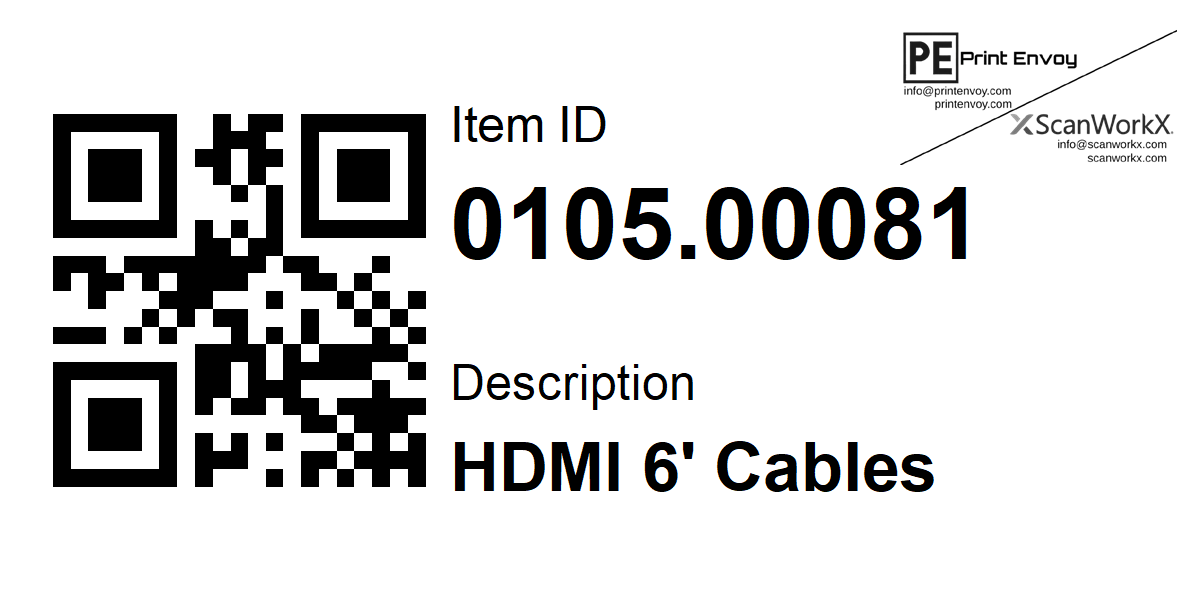
Need an EPP Label Template?
In addition to BarTender label examples, Print Envoy now provides downloadable EPP Label Engine templates for common warehouse and inventory labeling requirements. Each package includes a customizable label template and supporting data dictionary to help you understand the fields, barcode content, and label structure before adapting the design to your environment.
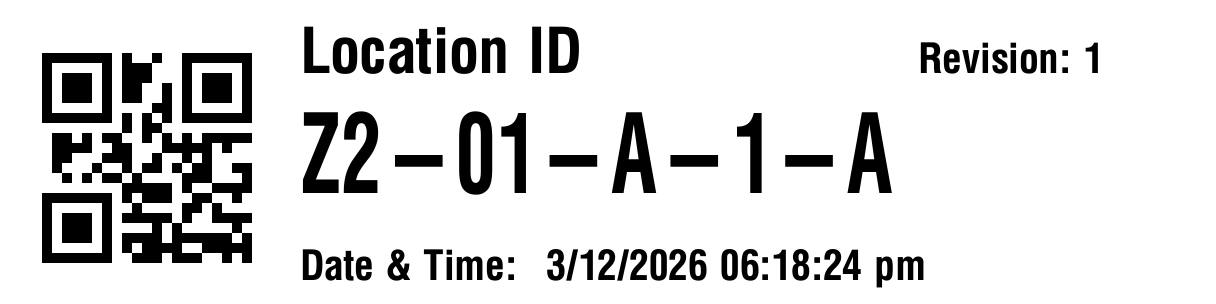
Preview ZPL Labels. Before You Print.
Visualize Zebra Programming Language (ZPL) label code with the free ZPL Visualizer from Print Envoy. Inspect label layouts and identify potential formatting issues before printing to compatible label printers. Useful for warehouse labeling projects, including workflows involving Microsoft Dynamics 365 F&O and D365 SCM.
- Render supported ZPL commands into a visual label preview.
- Inspect label positioning, text, and barcode layouts.
- Preview label code during design and troubleshooting.
Opens the Print Envoy ZPL Visualizer in a new tab.
Loading Viewer…