Improve Dynamics 365 Warehouse Management With ScanWorkX
ScanWorkX helps companies improve warehouse accuracy, barcode scanning, inventory visibility, and mobile execution inside Microsoft Dynamics 365. Support receiving, put-away, picking, production, cycle counting, and shipping with a simple D365 warehouse solution built for faster and more reliable operations.
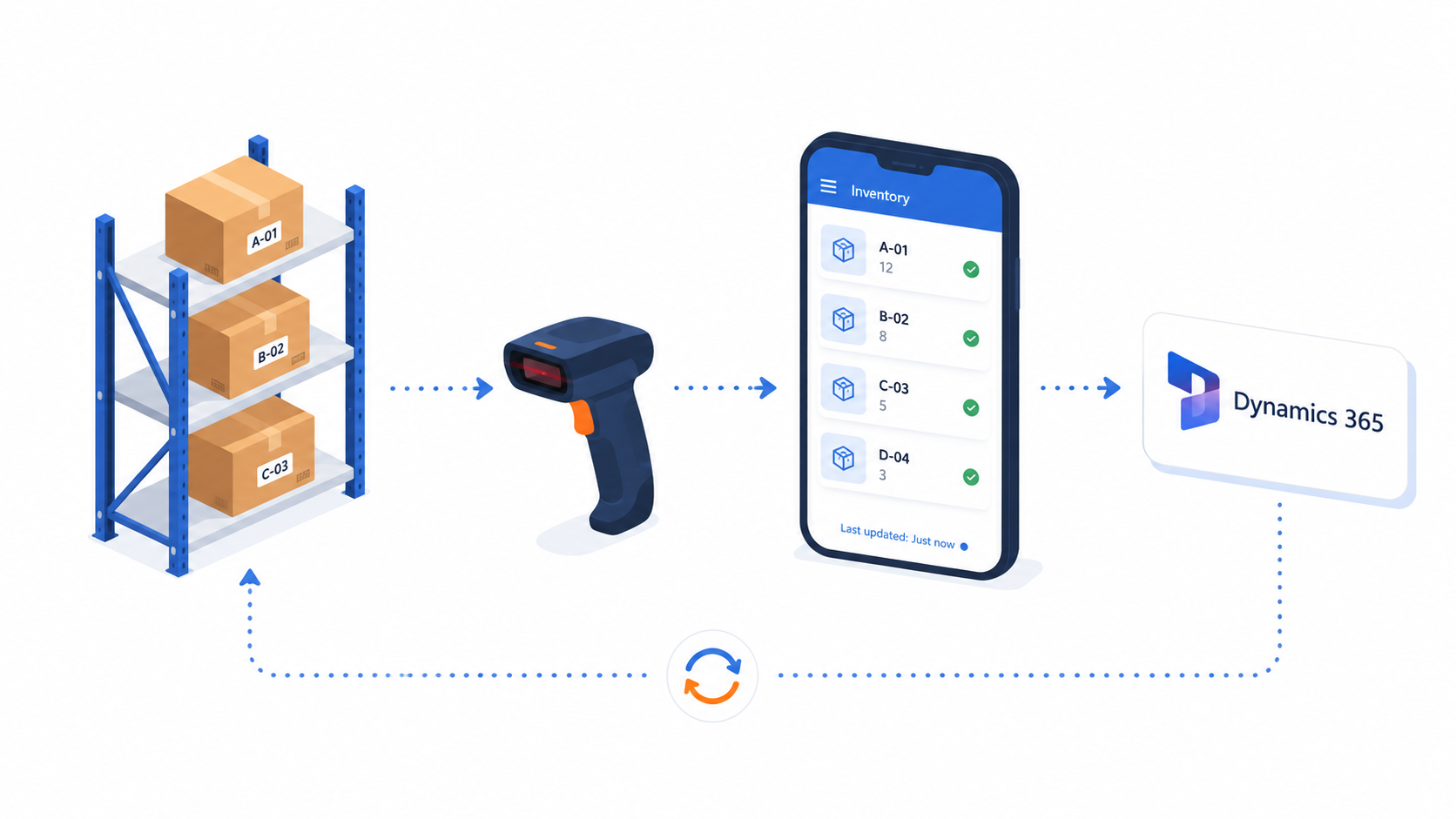
Improve Warehouse Productivity, Consistency, and Control
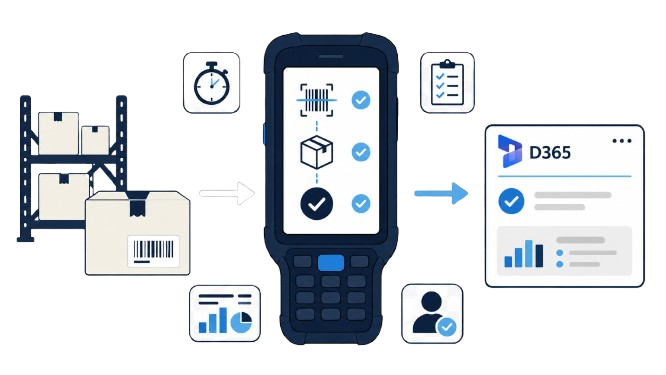
ScanWorkX helps warehouse teams complete work with fewer unnecessary steps and greater process consistency. Clear mobile instructions, barcode-driven data entry, and connected D365 transactions help operations move faster while giving supervisors better visibility into warehouse activity.
Reduce Manual Data Entry
Capture warehouse information through barcode scanning instead of repetitive typing, helping users complete transactions more efficiently.
Improve Worker Productivity
Present the steps and information needed for the current task so users can move through warehouse work with less confusion.
Standardize Warehouse Execution
Apply consistent process rules across warehouse users, shifts, departments, and operating teams.
Increase Operational Visibility
Give supervisors a clearer view of completed activity, open work, and inventory movement recorded in Dynamics 365.
Support Faster User Adoption
Use focused mobile screens and guided task steps that are easier for warehouse employees to learn and follow.
Reduce Process Delays
Keep warehouse work connected to D365 so teams spend less time managing paperwork, duplicate entry, and disconnected updates.
Apply ScanWorkX Benefits From Receiving Through Shipping
ScanWorkX brings guided barcode execution, point-of-scan validation, and direct Dynamics 365 transaction recording into each warehouse process. Teams can reduce errors, keep inventory records current, improve traceability, and complete work more consistently from inbound receiving through outbound shipping.
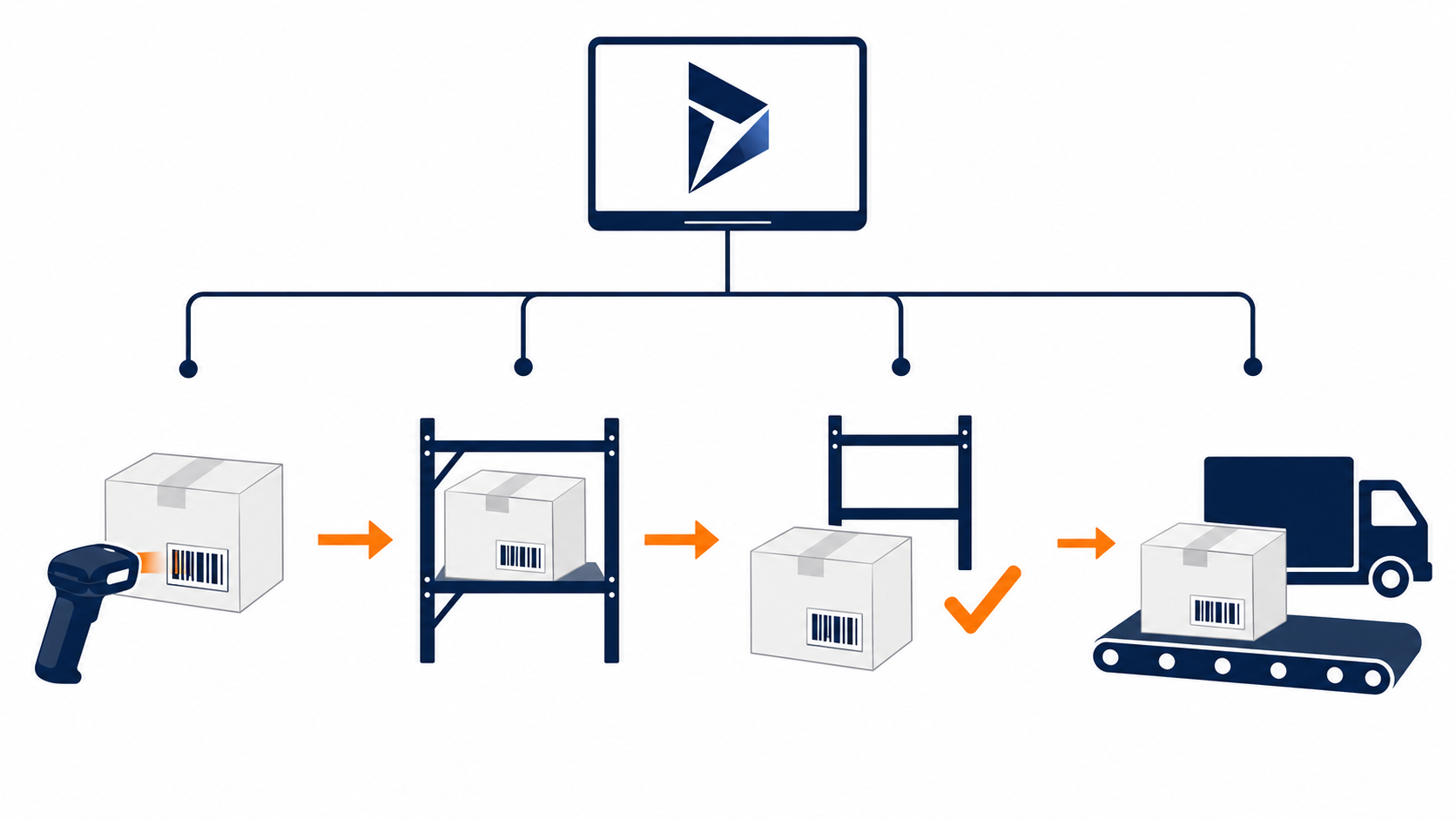
Warehouse Receiving
Receive inventory against purchase orders, confirm delivered quantities, and capture required lot or serial information before stock enters the warehouse.
Helps prevent incorrect receipts and gives warehouse teams reliable inventory information from the beginning of the process.
Directed Put-Away
Guide users to the appropriate storage location and verify the item, source location, destination location, and quantity before confirming the inventory movement.
Reduces misplaced inventory and helps maintain more dependable warehouse location balances in Dynamics 365.
Barcode Picking
Present sales, transfer, and production picking instructions on the mobile device while confirming the required item, warehouse location, and quantity.
Helps users complete picks more efficiently while reducing incorrect items, quantities, and order fulfillment exceptions.
Production Material Movement
Stage, issue, return, and transfer components used in production while recording material movement and consumption against the appropriate Dynamics 365 transaction.
Improves material traceability and gives production teams more reliable information about component usage and availability.
Cycle Counting
Scan the warehouse location and item, enter the physical quantity, and submit count results directly to Dynamics 365 for inventory review and adjustment.
Simplifies physical counting, reduces paper-based entry, and helps teams identify inventory differences earlier.
Packing and Shipping
Confirm picked inventory, verify shipment information, and complete outbound transactions before orders leave the warehouse.
Supports more accurate shipments, reduces outbound exceptions, and keeps completed shipping activity connected to Dynamics 365.
Turn Daily Warehouse Activity Into More Reliable D365 Transactions
ScanWorkX applies the same core execution controls throughout the warehouse, helping teams improve data quality without making mobile work unnecessarily complicated.
Check items, quantities, locations, lots, and serial numbers during warehouse activity.
Record completed warehouse activity in Dynamics 365 so inventory information remains current.
Replace repetitive typing and paper-based recording with barcode-driven mobile transactions.
Guide warehouse employees through repeatable steps across users, shifts, and operating teams.
Protect Inventory Accuracy With Scan-Based Controls
ScanWorkX checks the critical information required by each Dynamics 365 warehouse transaction while work is being performed. Users can identify item, quantity, location, lot, and serial mismatches before completion, helping reduce inventory discrepancies and preserve more traceable warehouse records.
Correct Item Confirmation
Compare the scanned item with the product required by the warehouse task, order, or source document before continuing.
Quantity Confirmation
Capture the quantity physically handled and compare it with the amount expected for the receiving, movement, picking, or counting transaction.
Location Verification
Confirm source and destination locations so inventory is removed from and placed into the correct warehouse location.
Lot and Serial Traceability
Capture the lot, batch, or serial identifiers required by the configured D365 process so controlled inventory remains traceable.
Mismatch Prevention
Require incorrect scan information to be corrected before an invalid item, quantity, location, lot, or serial transaction is completed.
Faster Discrepancy Investigation
More dependable transaction details help supervisors investigate count differences, misplaced stock, and warehouse exceptions.
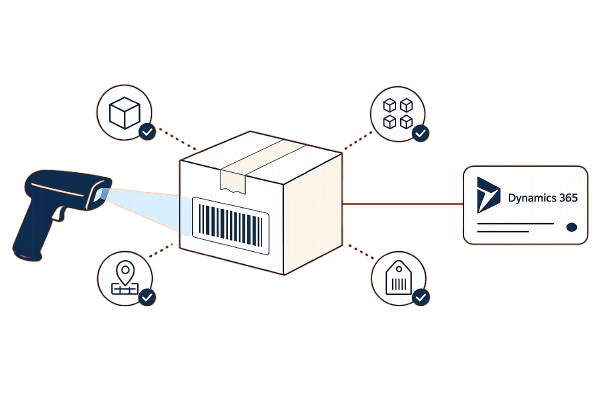
Catch incorrect warehouse data before it becomes a completed transaction.
Preserve the identifying information needed to follow controlled inventory movements.
Maintain more dependable item, quantity, and location information for inventory review.