Mobile execution for food and beverage manufacturing
Protect product quality from receiving through shipment
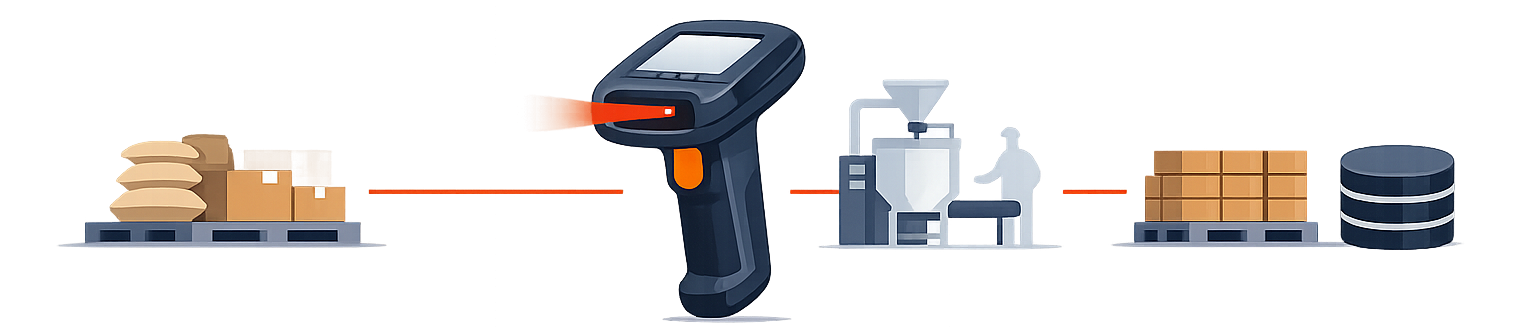
ScanWorkX connects warehouse and production employees directly to Microsoft Dynamics 365 through guided mobile workflows, barcode scanning, real-time validation, and label printing.
Employees can record ingredients, packaging, work in process, finished products, lots, expiration dates, variable weights, inventory status, and shipping activity where the physical work occurs.
Control every material movement
Record what arrived, what production used, and what was shipped
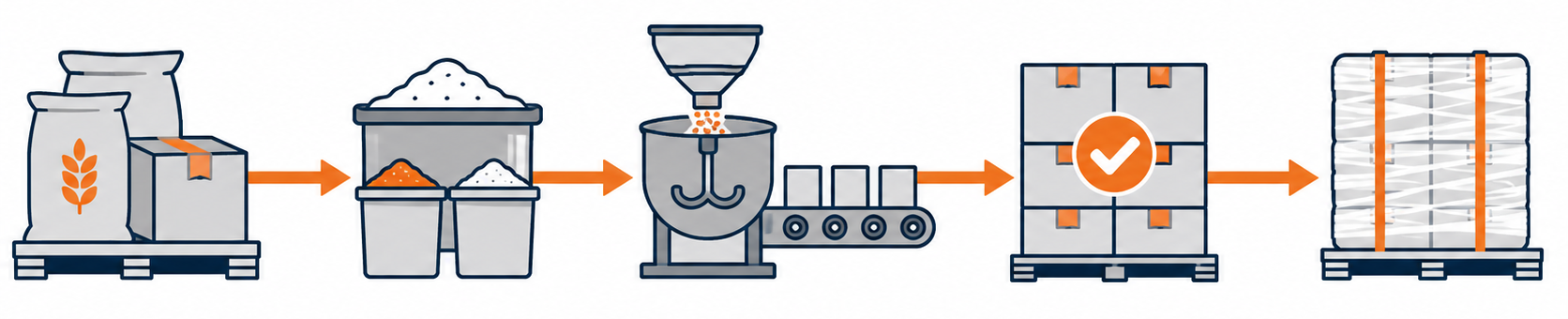
ScanWorkX supports ingredients, packaging materials, work in process, finished products, containers, pallets, and shipping units throughout the food manufacturing lifecycle.
Receive and identify material
Record item, quantity, unit of measure, supplier lot, expiration date, inventory status, and storage location while receiving ingredients and packaging.
Stage and kit production orders
Guide employees through moving the correct ingredients, packaging components, lots, quantities, and statuses to the required production area.
Issue and return lot-controlled material
Validate production order, item, lot, quantity, location, and status while recording consumption or returning unused material.
Report production as finished
Capture completed quantities, lots, batches, catch weights, storage locations, and inventory status where packaging or completion occurs.
Move, count, pick, and ship
Maintain transaction visibility as finished products are transferred, counted, selected, packed, labeled, and verified for shipment.
Food-specific transaction controls
Control weight, product status, expiration, and shelf life
Food manufacturing transactions often require more than item and quantity. ScanWorkX can present the additional information employees need to validate variable weight, inventory status, lot attributes, expiration dates, and remaining shelf life.
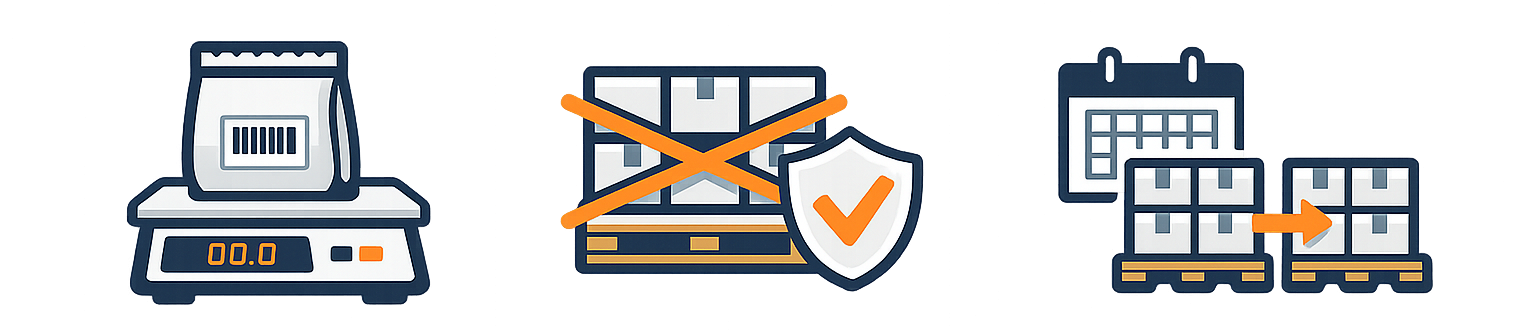
Capture both physical quantity and actual measured weight during production, packing, inventory movement, picking, or shipping. Workflows can incorporate barcode and scale input where the operating process requires it.
Validate released, restricted, quarantined, expired, or unapproved material before it is consumed, moved, or shipped. Guided transactions can support holds, disposition, inspection movement, rejection, and returns.
Guide or validate lot selection using expiration dates and required remaining shelf life instead of relying only on receipt sequence. This supports better rotation in ambient, refrigerated, and frozen inventory.
Traceability and plant-wide execution
Trace every lot and standardize execution across facilities
ScanWorkX helps connect supplier lots, production activity, finished products, inventory locations, and shipments while supporting mobile workflows designed for real food manufacturing environments.
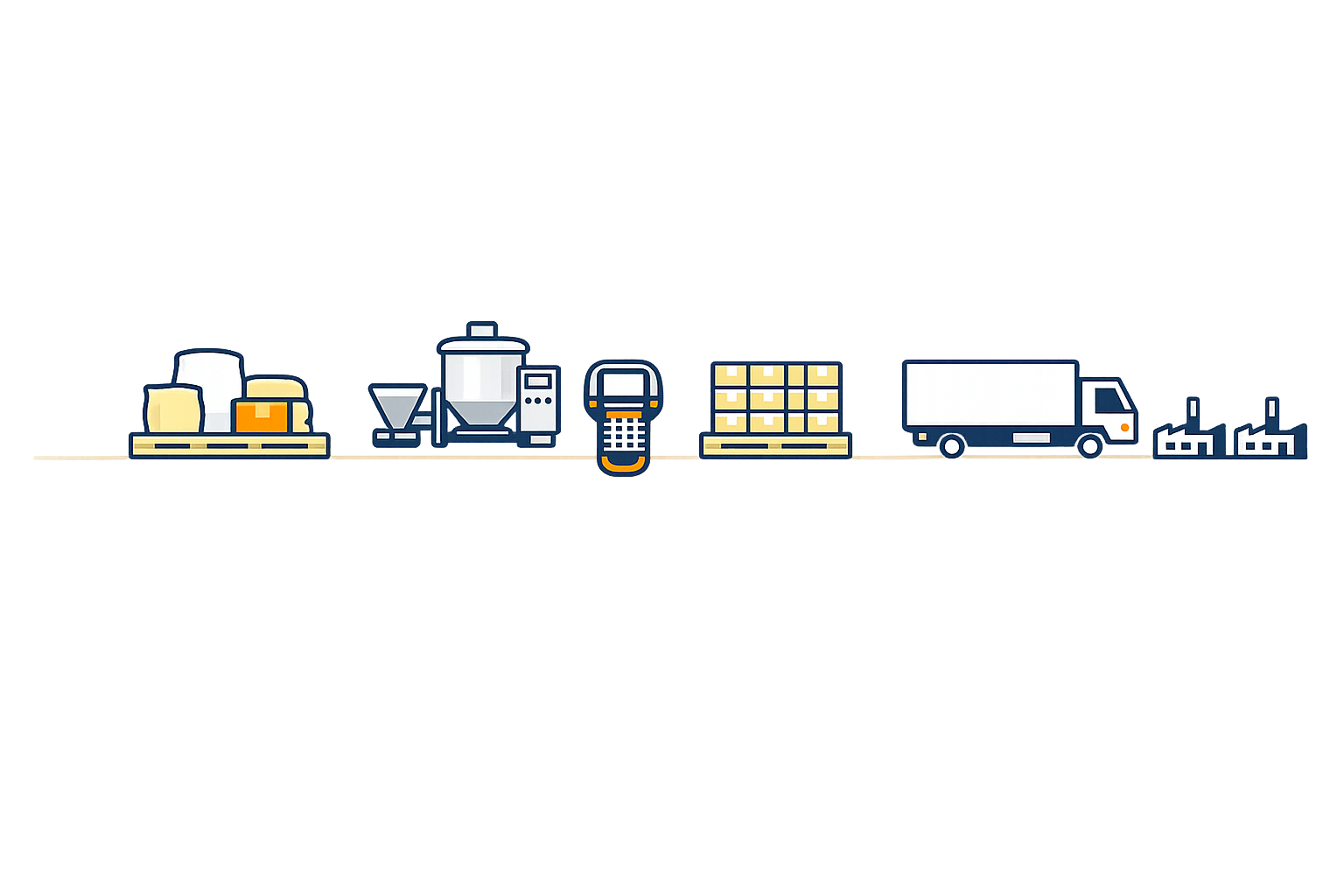
Connect supplier materials to finished-product shipments
Transaction history captured through ScanWorkX can help Dynamics 365 maintain the relationships needed to trace affected material backward to its source and forward to finished products, inventory, and customers.
Support faster recall investigation
Which supplier lots were received?
Where is the affected inventory located?
Which production orders consumed the material?
Which finished lots and shipments were affected?